Review Subscriptions NEW
Audit subscriptions that have not been verified recently. Review Mode highlights subscriptions that may need attention.
A lightweight Windows desktop app that tracks subscriptions and calculates your monthly and yearly spending.
No accounts. No bank connections. 100% local.
Now available: v0.7.0
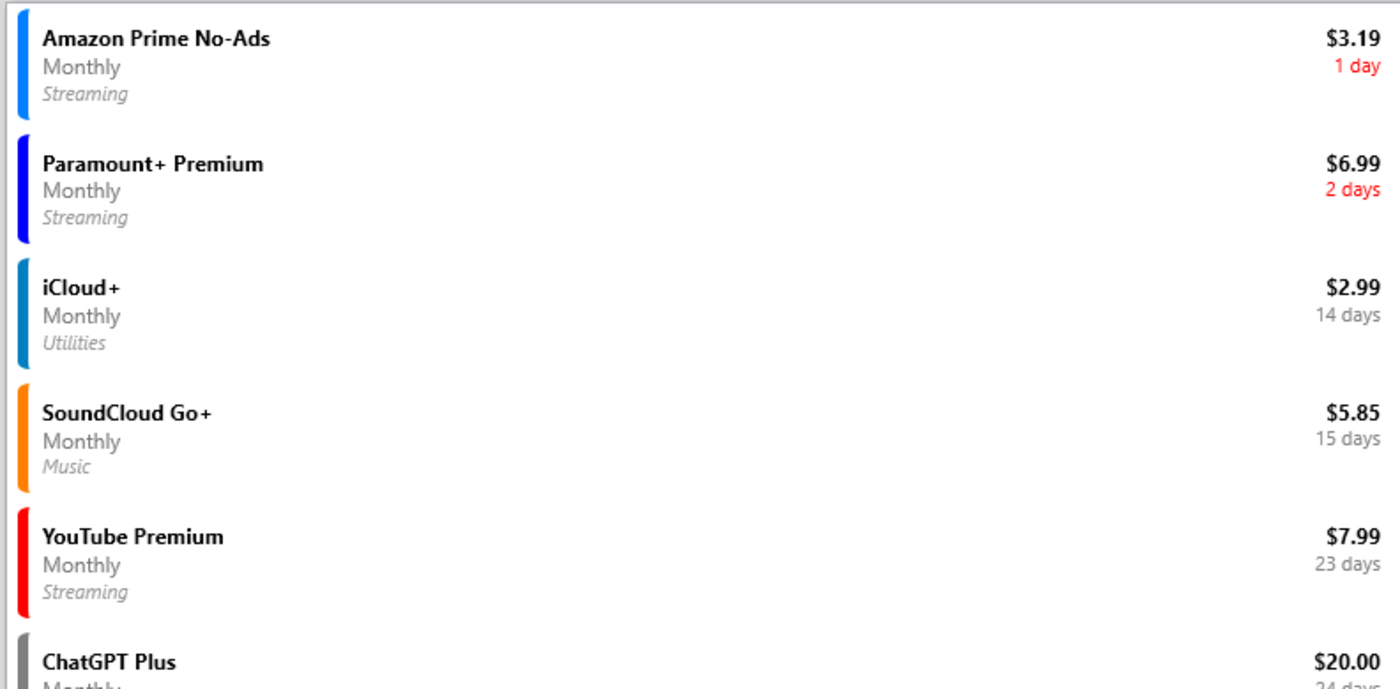
Small recurring charges are easy to overlook.
Enter the service name, billing cycle, and cost.
SubTrack calculates upcoming billing dates automatically.
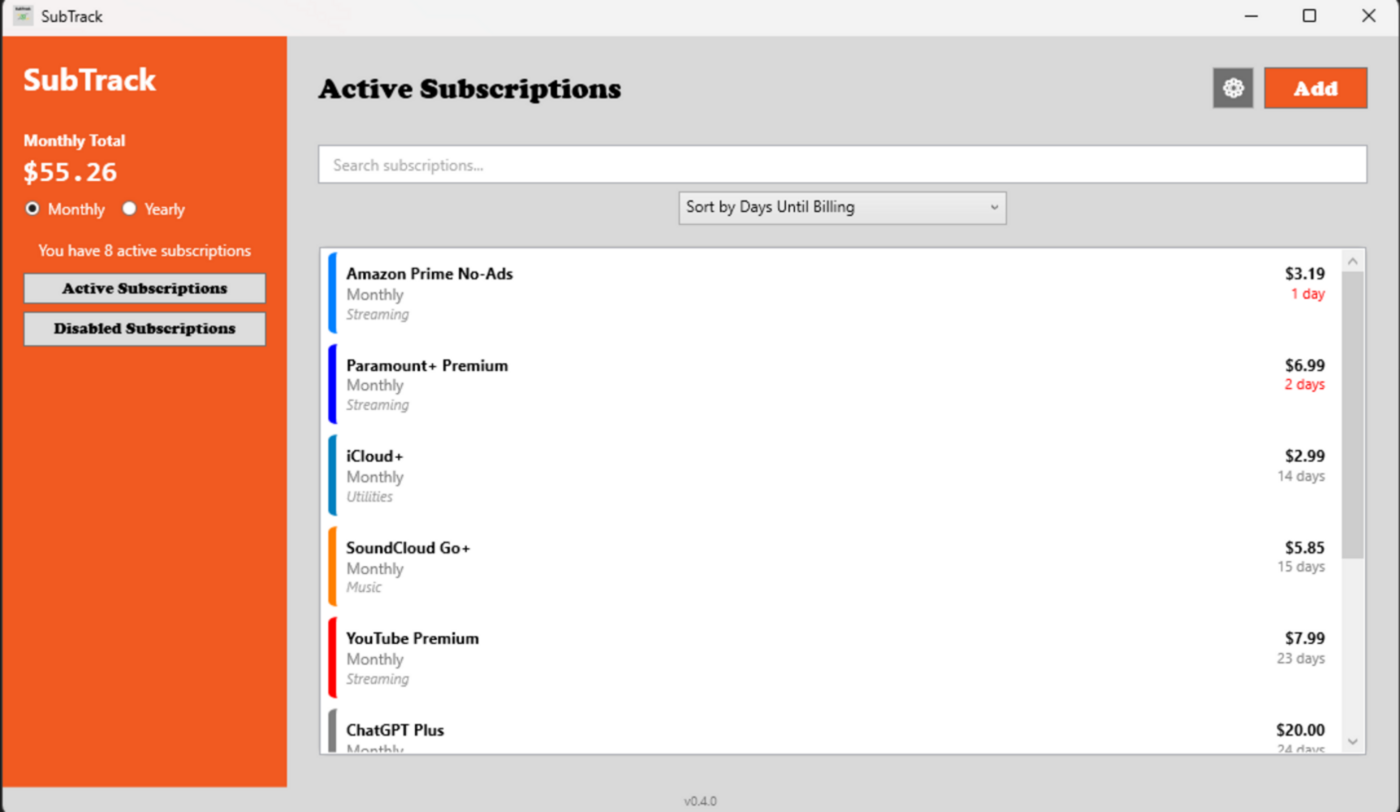
Instantly see monthly and yearly spending.
Use categories, colors, and search tools.
Audit subscriptions that have not been verified recently. Review Mode highlights subscriptions that may need attention.
Monthly and yearly totals update instantly as subscriptions are edited or toggled.
Mark subscriptions as verified to track when billing details were last reviewed.
See your monthly and yearly totals instantly.
Know when your next charge is coming via Windows Notification.
Quickly organize your subscriptions in different ways.
Keep subscriptions visually structured with categories and custom colors.
Separate ongoing and paused subscriptions.
Reduce vertical spacing in the subscription list.
Perform actions on multiple subscriptions at once.
All data stays on your device. Nothing is synced to any server.
No cloud accounts, no financial integrations, and no tracking.
Streaming services, software tools, gaming subscriptions, and recurring bills.
A lightweight Windows desktop app that tracks subscriptions,calculates real spending, and audits outdated billing details.
Built specifically for Windows.
Download →Version v0.7.0 • View Changelog